Sizeable Planetoid
🌍 Sizeable Planetoid 🚀
A LittleBigPlanet-inspired 2D physics sandbox where you draw, connect, and play through levels made entirely from your own imagination.
Ever wished you could just draw a platformer into existence? Sketch platforms out of thin air. Bolt machines together. Wire up sensors. Then jump in and play through your creation — all in real-time.
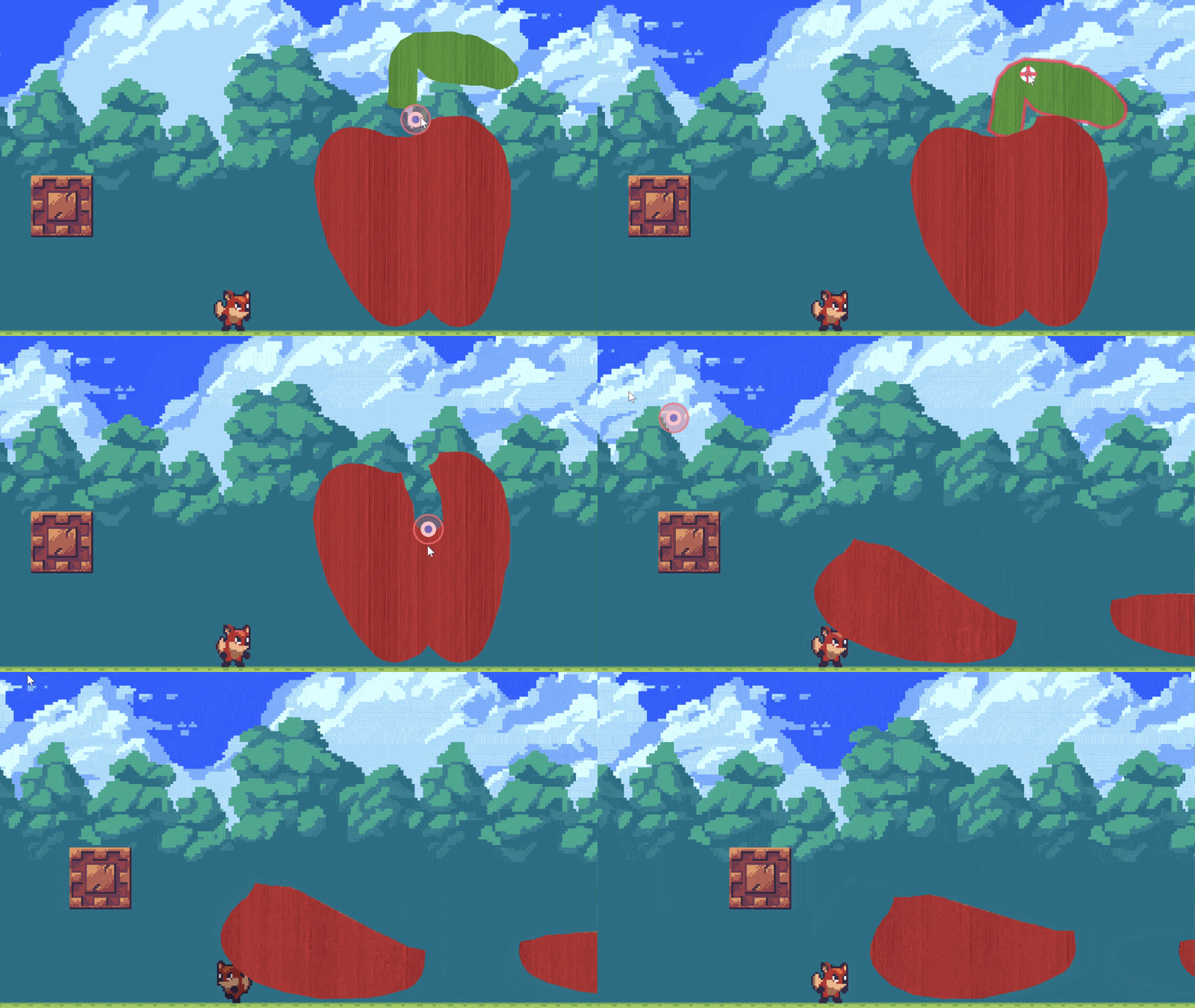
✏️ Draw the shape, maybe an Apple?
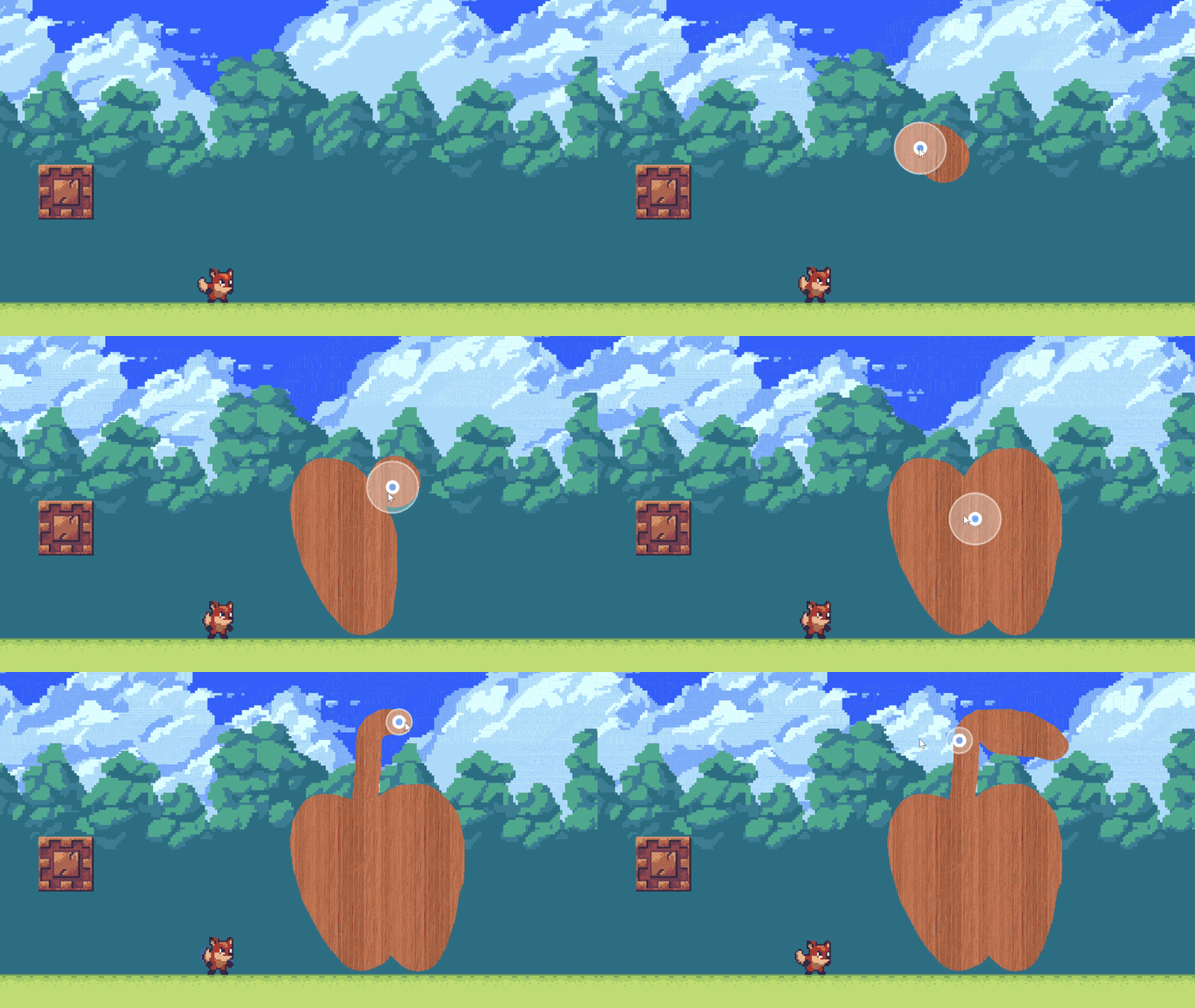
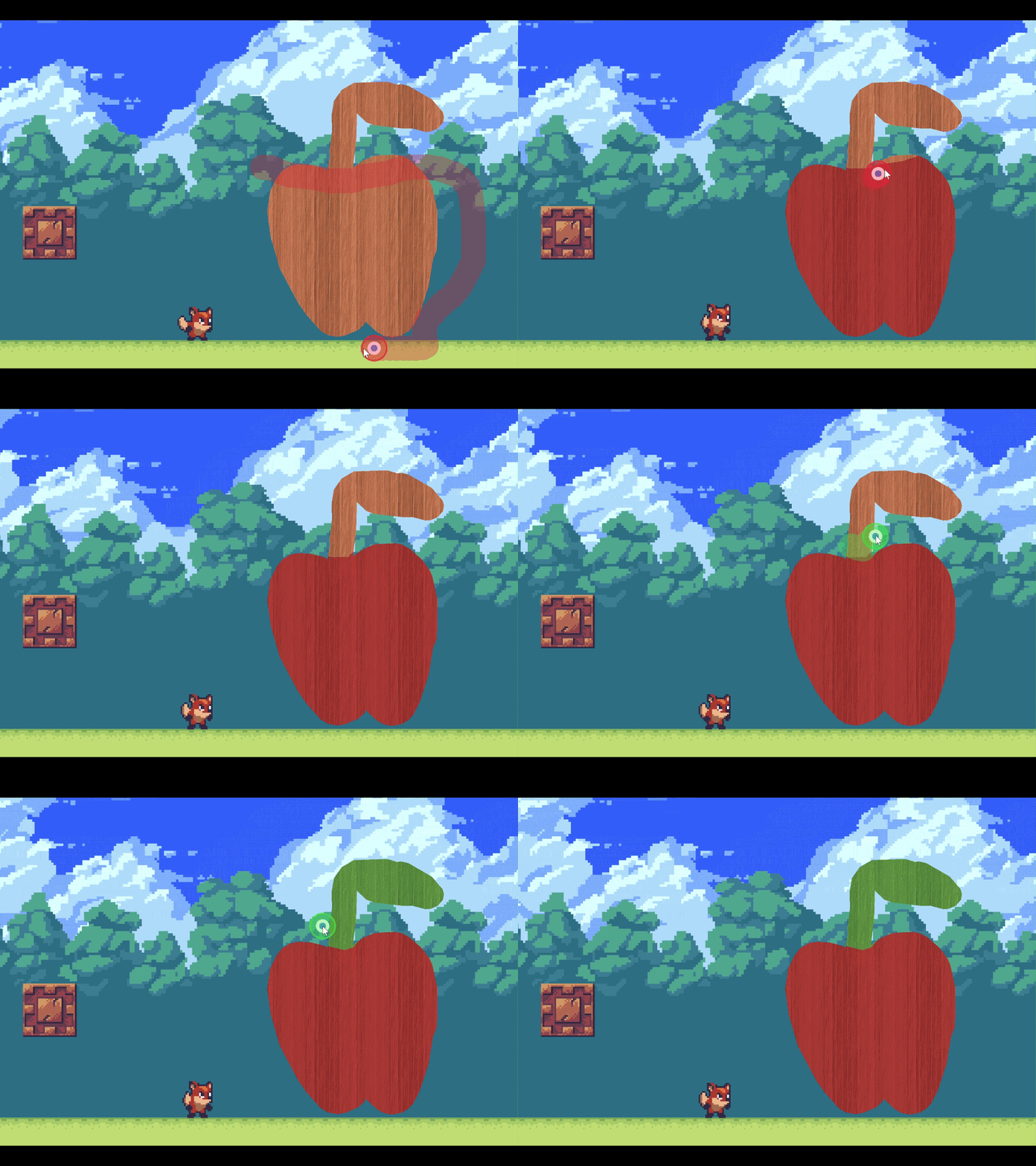
🎨 Paint it!
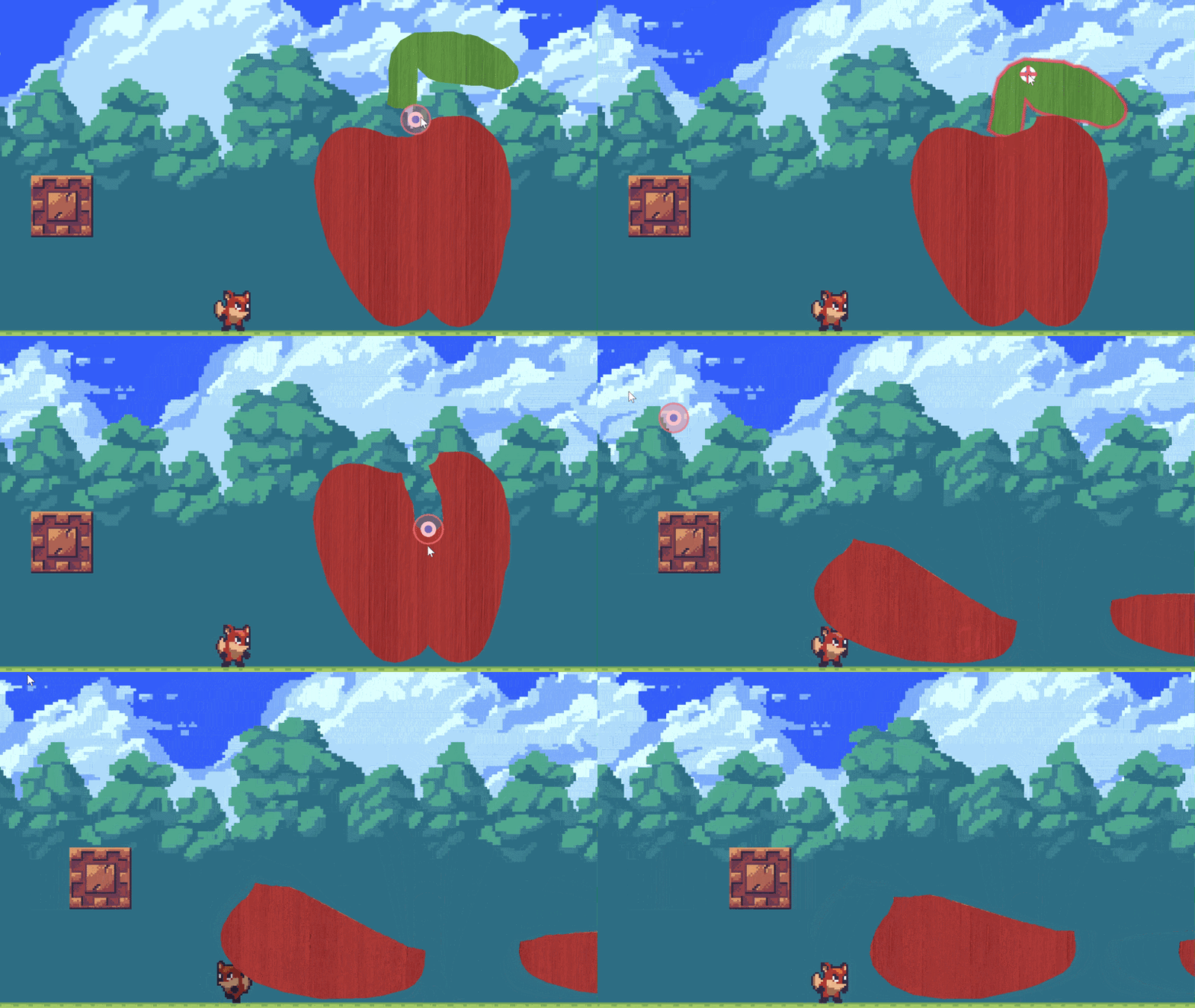
✂️ Let's cut it in half, this'll be a car!
🏎️ Adding horse power
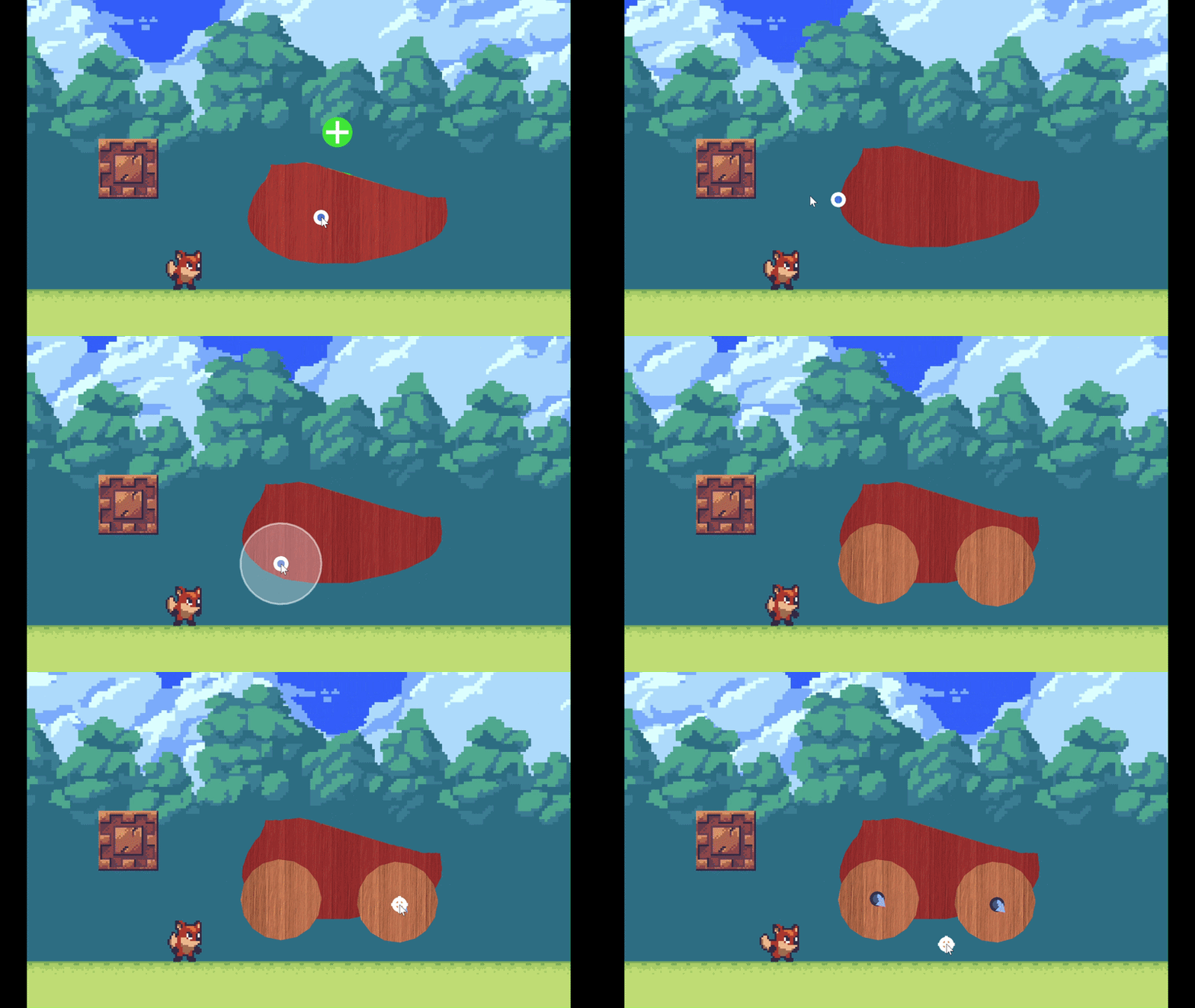
🎮 Let's go!
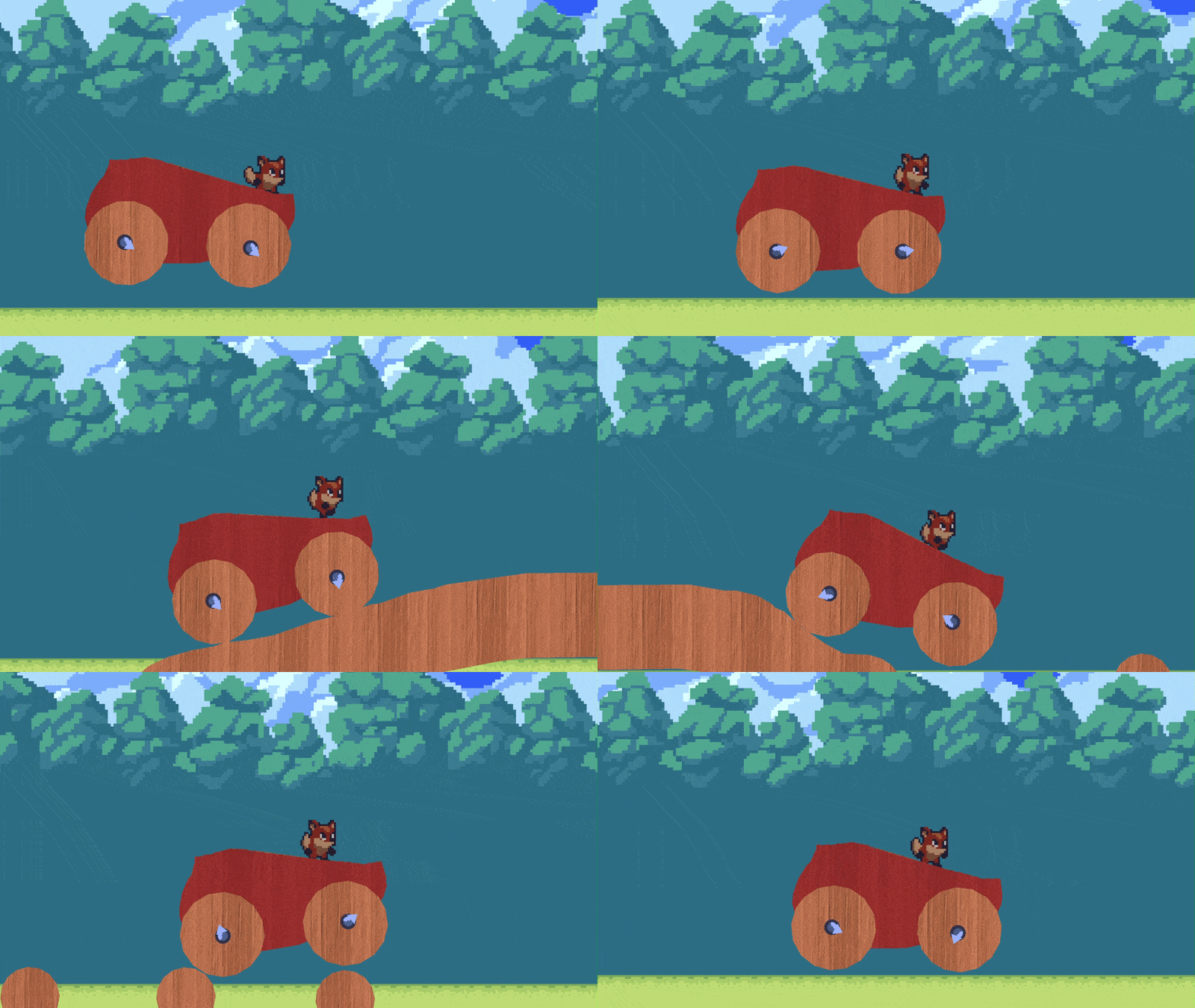
✏️ Draw Anything
Sketch platforms, walls, bridges, and contraptions using freehand drawing, precision line mode, or snap-to-grid mode. Every stroke becomes a real physics object.
- 🎨 4 Materials — Wood, Sponge, Glass, and Cardboard — each with unique physics properties
- 🎨 Dynamic or Static — draw objects that fall and tumble, or fixed terrain that stays put
- 🎨 3 Draw Modes — Freehand, Line, and Grid — for organic shapes, precise edges, or tiled structures
- 🎨 Circle & Square brushes with adjustable size for fine or broad strokes
- 🎨 Paint stickers on your creations with 6 color overlays — Red, Yellow, Blue, Green, Black, and White — using freehand or line mode
- 🎨 Boolean merging automatically fuses overlapping shapes into seamless geometry
- 🎨 Erase with a brush or delete whole objects in a click
- ↩️ Undo & Redo — Ctrl+Z / Ctrl+Y to instantly reverse or restore any action while creating
🔧 7 Connector Tools
Link objects together with physics-based joints to build machines, vehicles, traps, and puzzles:
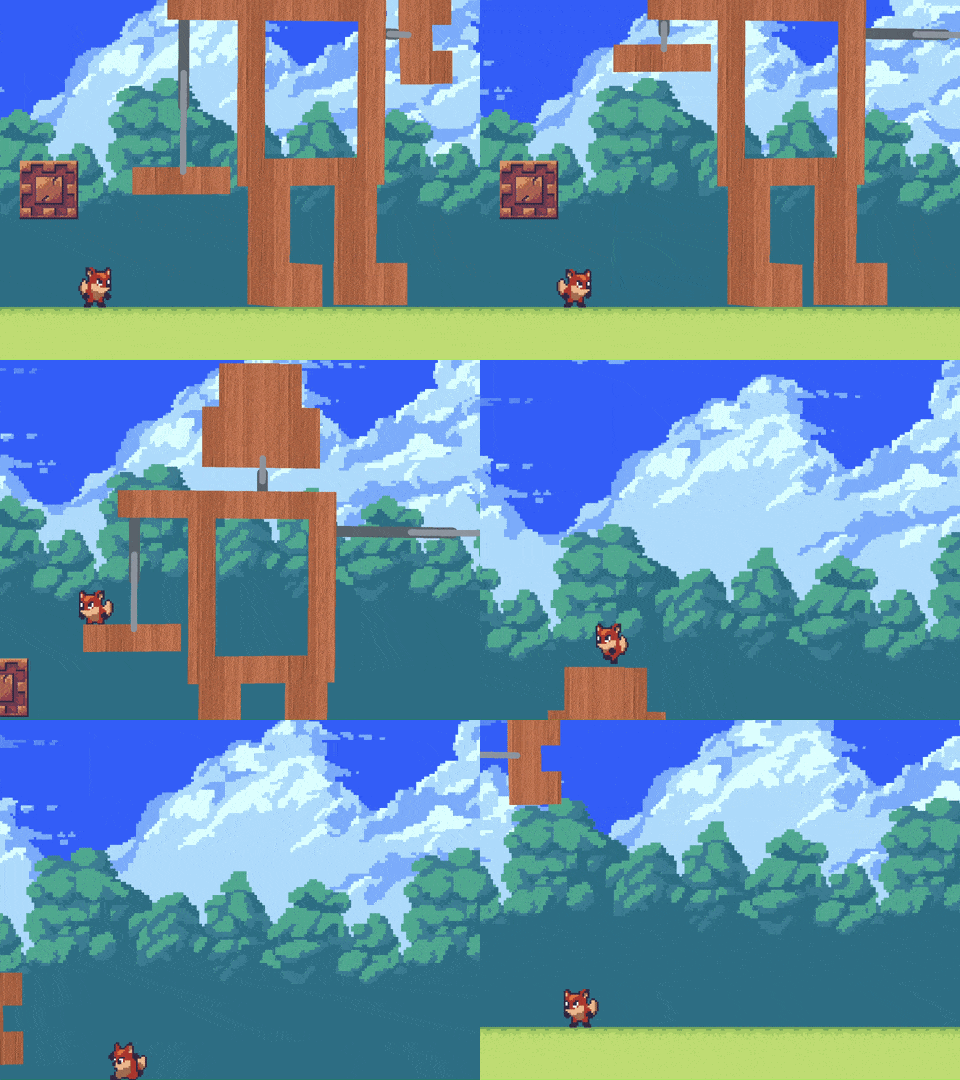
- 🔩 Bolt — A rigid pin joint. Objects rotate freely around the connection point
- 🔩 Elastic — A springy, bouncy connection that stretches and snaps back
- 🔩 Rod — A rigid bar that locks two objects at a fixed distance
- 🔩 String — A cable that hangs slack but holds firm when pulled taut
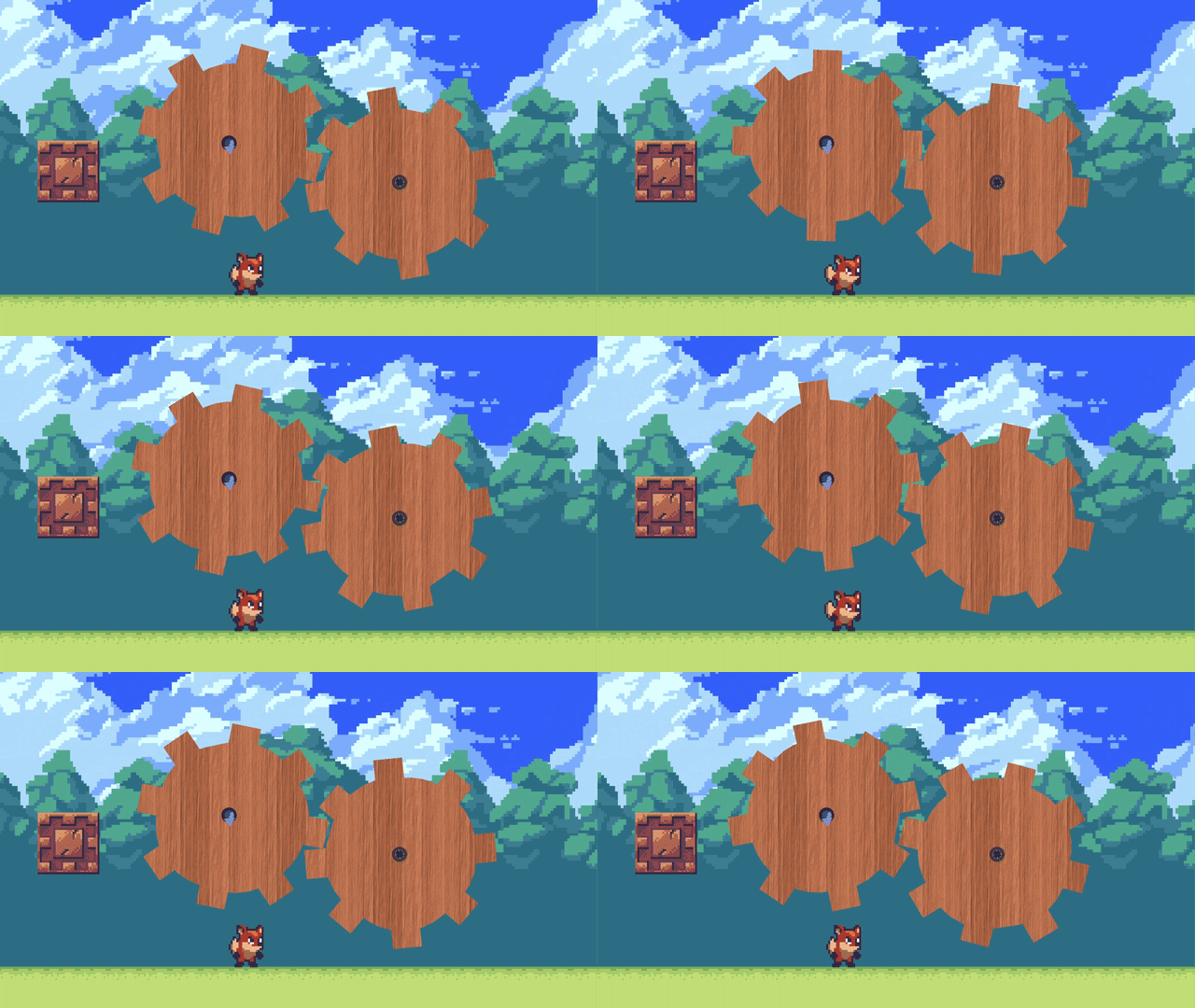
- ⚙️ Motor Bolt — A powered axle that spins at constant speed. Build wheels, conveyor belts, and rotating platforms
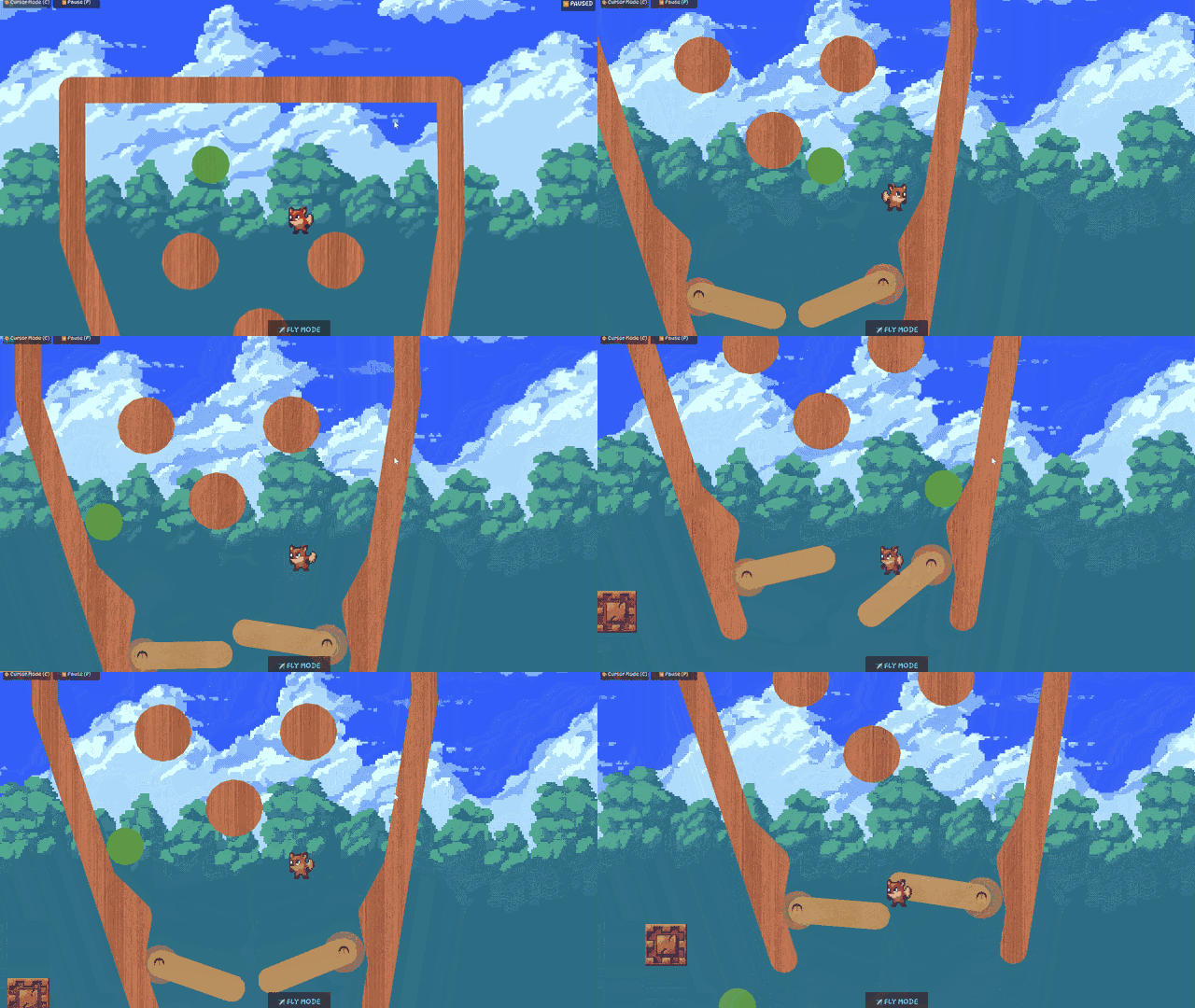
- ⚙️ Wobble Bolt — An oscillating hinge that rocks back and forth within an angle range
- ⚙️ Piston — A linear actuator that extends and retracts. Create doors, elevators, and crushing traps
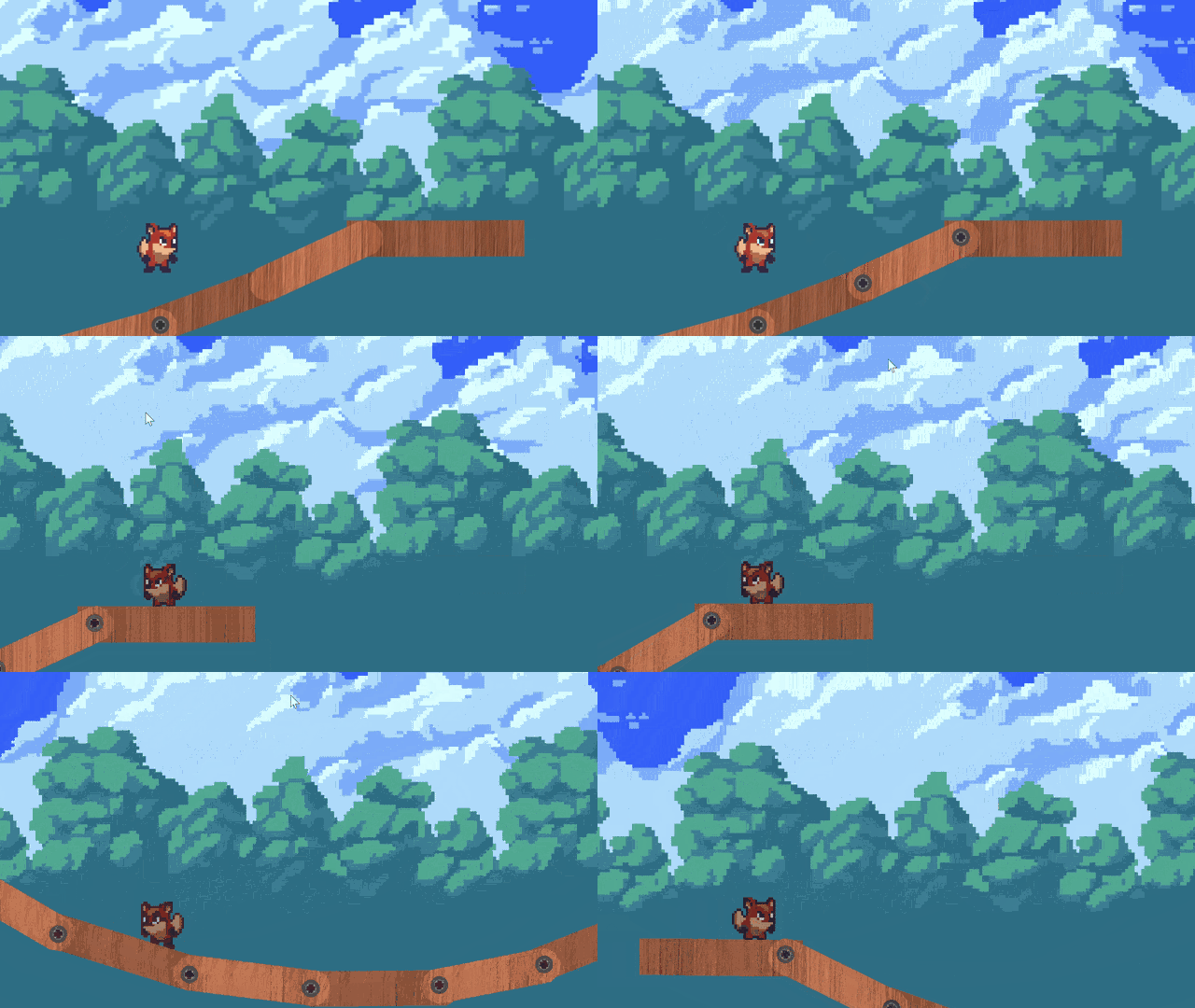
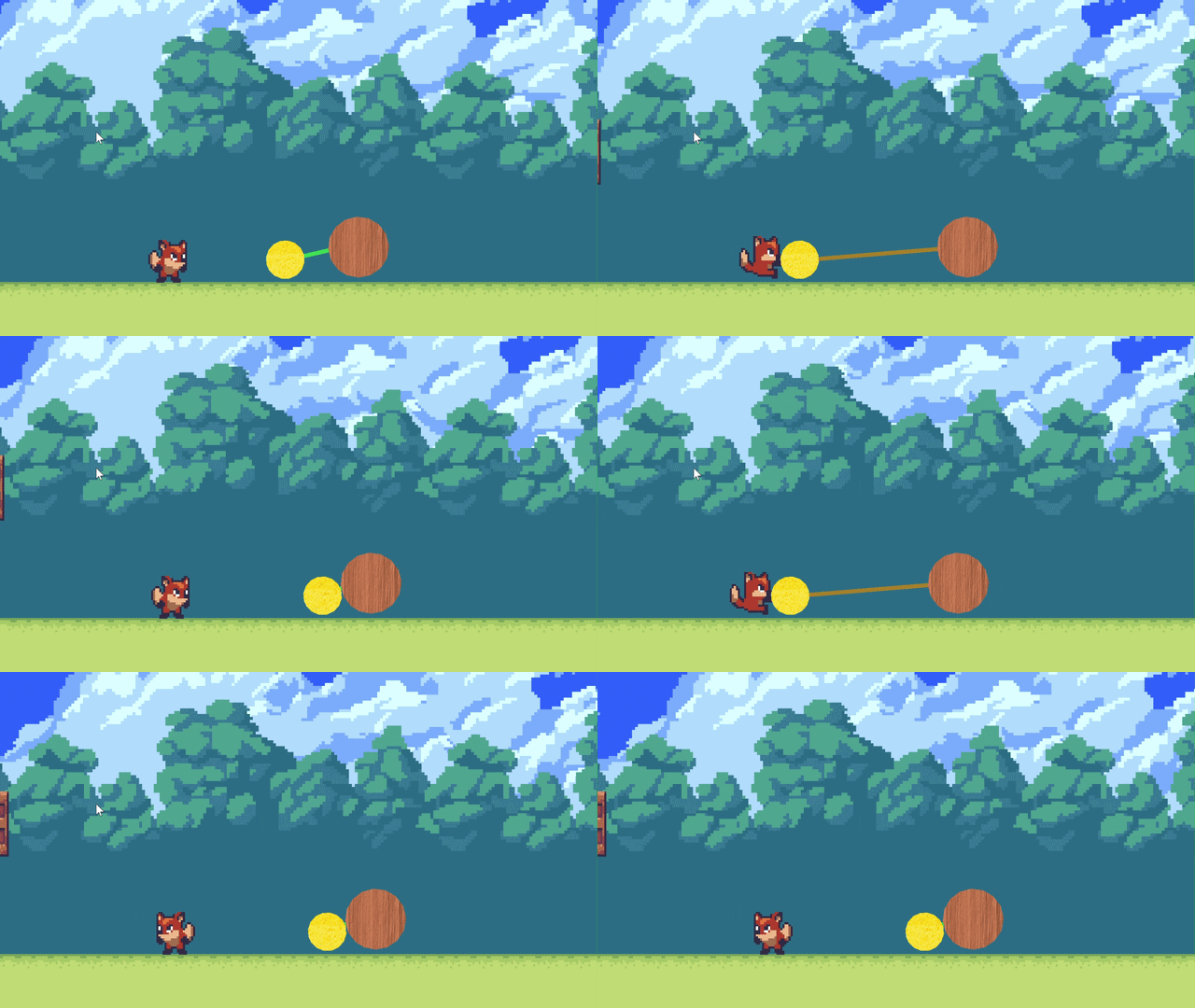
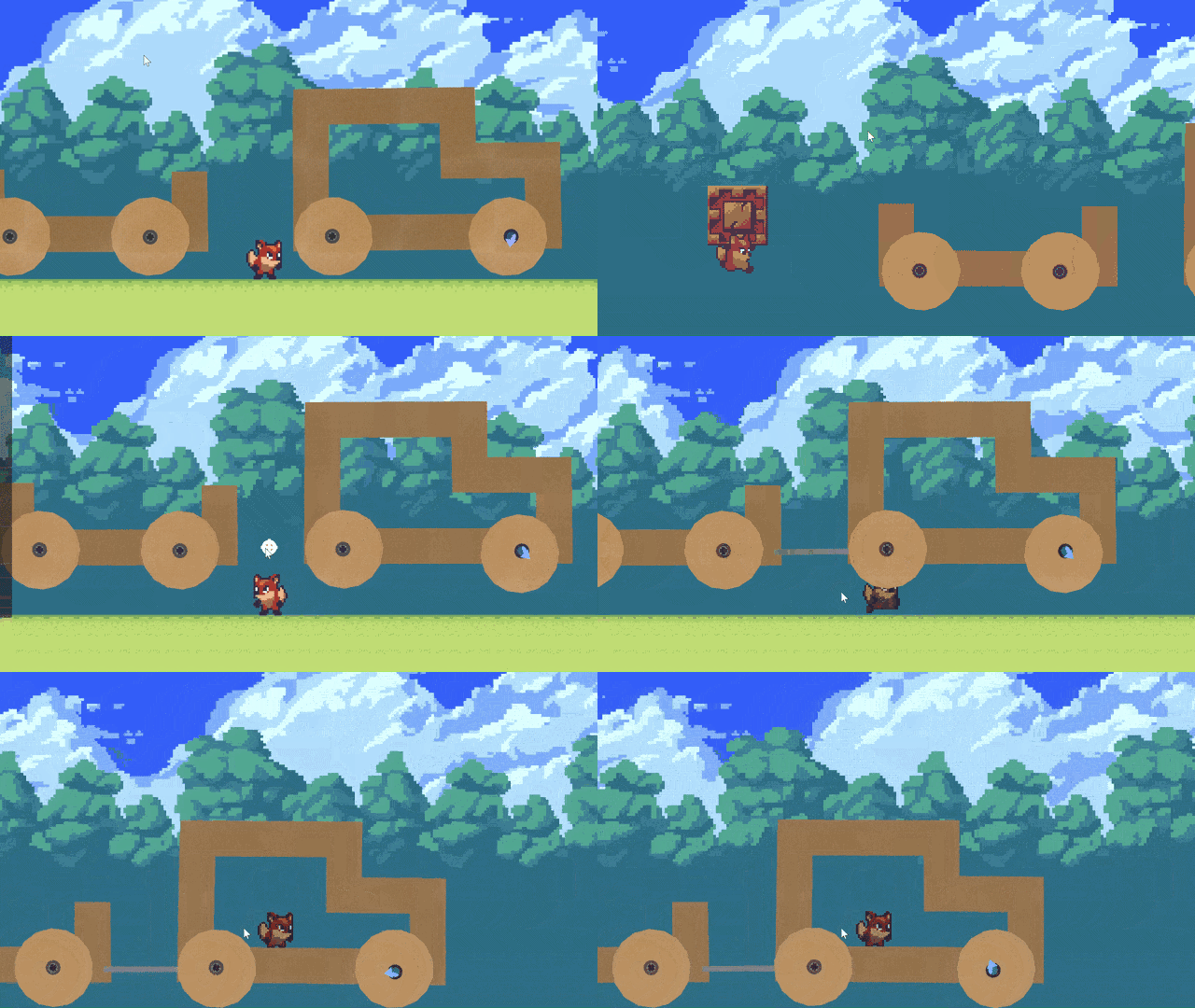
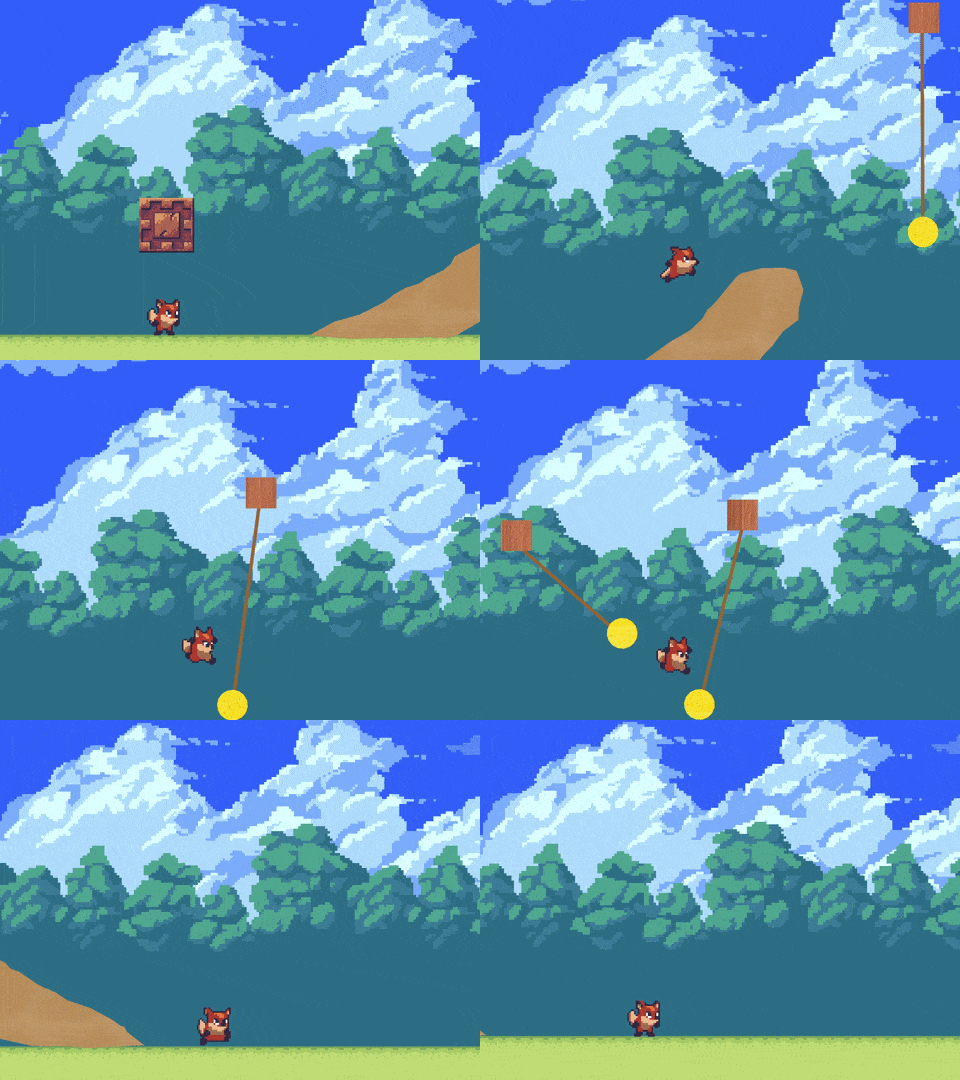
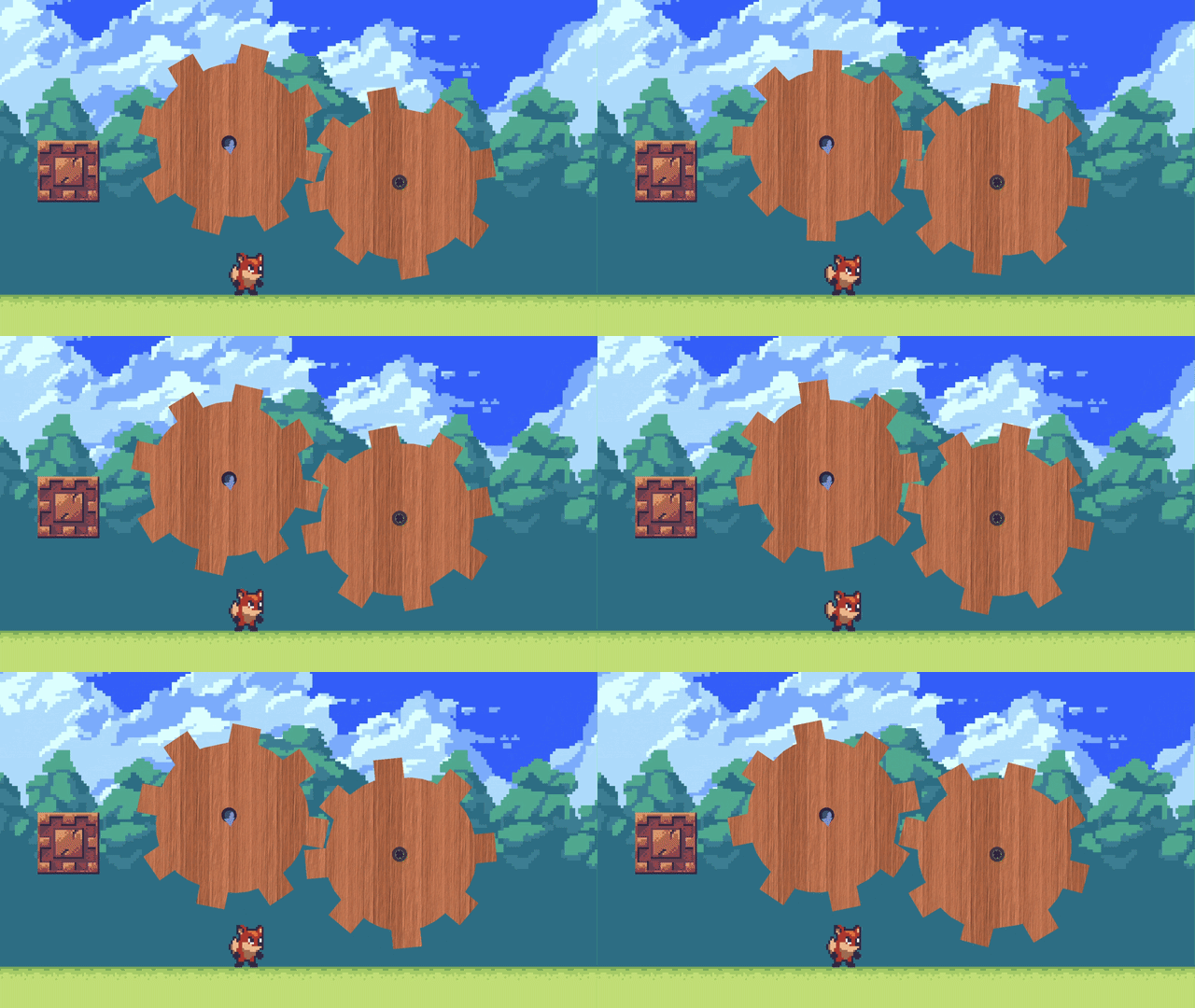
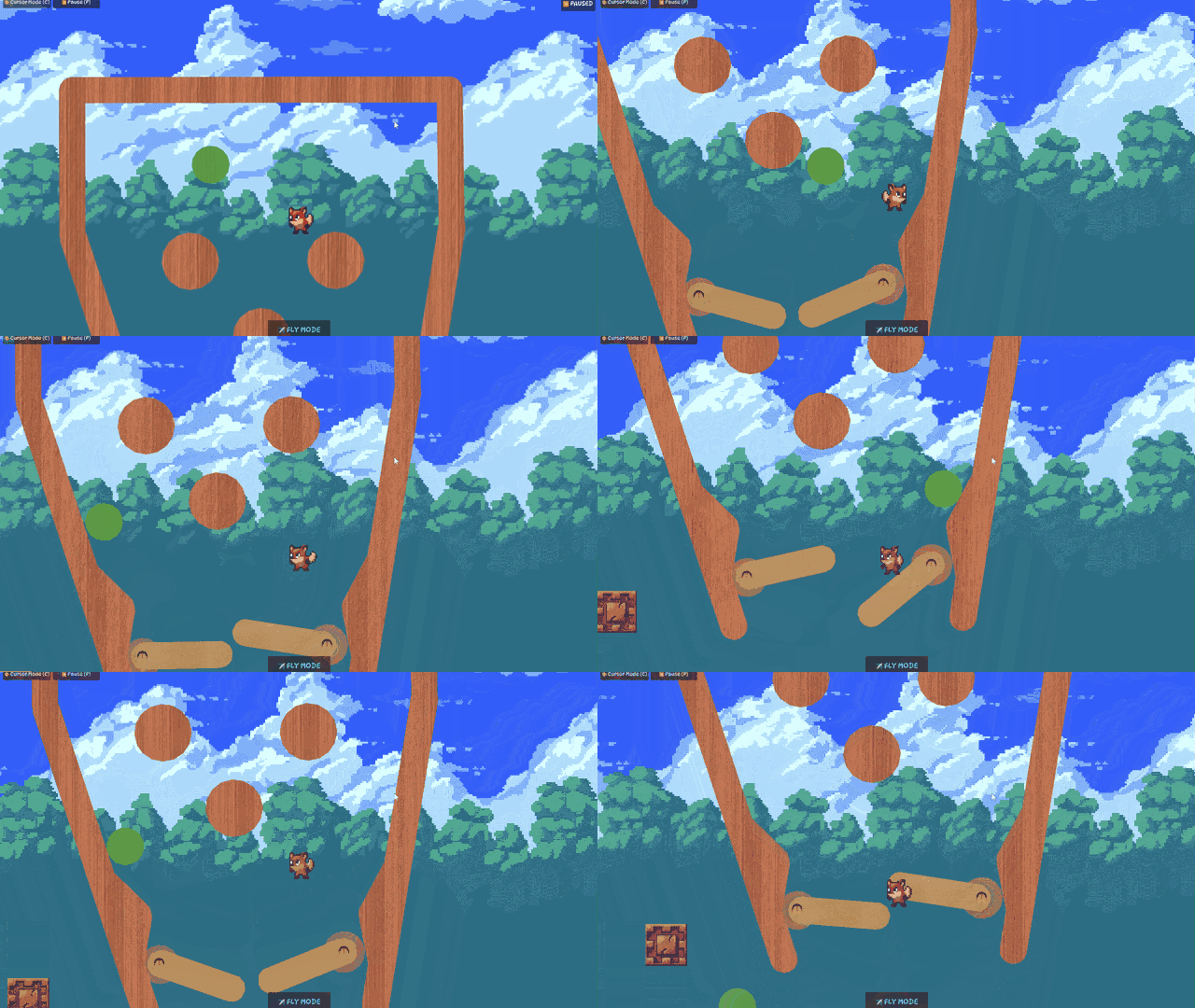
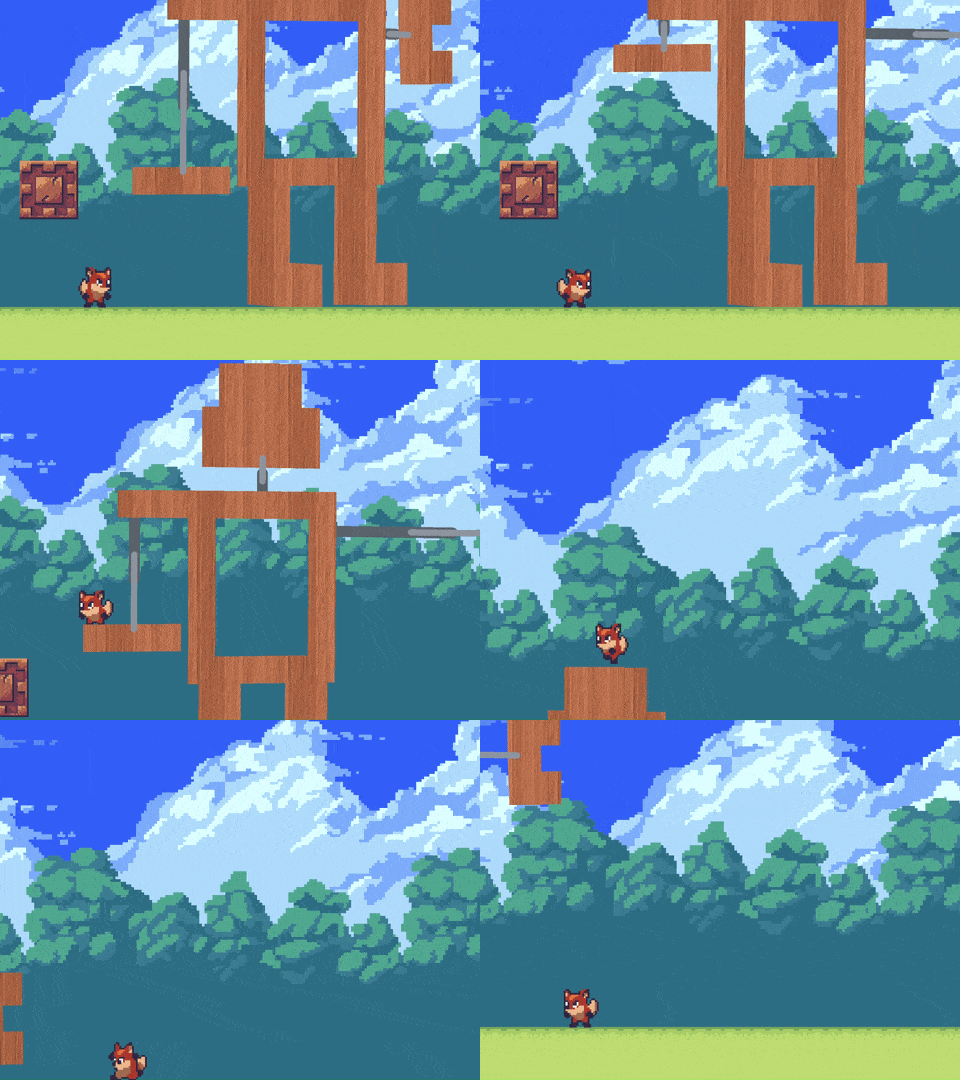
All connectors feature stress and breakage — push them too hard and they'll snap!
🎯 Sensors & Automation
Wire up logic to bring your levels to life:
- 📡 Proximity Sensor — Detects when something enters a radius. Trigger doors, activate motors, spring traps
- 📡 Grab Sensor — Fires when the player grabs an object. Create grab-activated puzzles and mechanisms
- 📡 Flexible trigger modes — Single-shot, toggle on/off, or reverse direction
- 📡 Connect any sensor to any connector — Chain sensors to motors, pistons, wobble bolts, and more
🏃 Platforming Action
Jump into your creations and play:
- 🕹️ Physics-based movement — Momentum, air control, and weight that feels right
- 🕹️ Grab sponge objects — Hold Shift to cling to sponge-material surfaces and swing
- 🕹️ Front & Back layers — Switch between two depth planes to navigate through your level. Walk off a ledge and automatically hop to the other layer if there's ground waiting!
- 🕹️ Fly mode — Soar freely to survey your level or reach tricky spots
- 🕹️ Checkpoints & Win Gate — Place respawn points and set a goal for players to reach
- 🕹️ Deathify tool — Mark any object as deadly. One touch and it's back to the checkpoint!
💾 Save, Load & Share
Your creations are never lost:
- 💾 Save and load levels at any time
- 💾 Multiple save slots — Keep as many levels as you want
- 💾 Pick up where you left off — Your last level loads automatically
📖 In-Game Controls & Tutorial
Not sure how something works? Open the Controls screen from the pause menu or main menu for a full interactive guide. Browse categorized topics — from movement and drawing to connectors and sensors — each with keybindings, explanations, and tips.
🎮 Controls
Gameplay
- 🎮 A / D — Move left / right
- 🎮 Spacebar — Jump
- 🎮 W / S — Switch to back / front layer
- 🎮 Shift (Hold) — Grab sponge objects
- 🎮 O — Toggle fly mode
- 🎮 C — Enter / exit creation mode
- 🎮 Escape — Pause menu / Cancel
Creation Mode (Press C)
Tool Switching
- 🛠️ 1 — Draw tool
- 🛠️ 2 — Select / Move tool
- 🛠️ 3 — Eraser tool
- 🛠️ 4 — Toolbox (connectors & gadgets)
- 🛠️ P — Pause / unpause physics
Selection & Editing
- 🛠️ Q — Cycle transform mode (Move / Rotate)
- 🛠️ G — Glue / unglue selected object
- 🛠️ F — Bring selected object to front
- 🛠️ R — Send selected object to back
- 🛠️ Ctrl+D — Duplicate selected object (while dragging)
- 🛠️ Ctrl+Z — Undo
- 🛠️ Ctrl+Y — Redo
Drawing & Stickers
- 🛠️ Shift (Hold) — Snap line angles to 15° increments
Mouse
- 🖱️ Left Click + Drag — Draw strokes / Move objects
- 🖱️ Left Click — Place tools / Set line points
- 🖱️ Right Click — Open tools tweak menu / Cancel
🛠️ Built With
- ✨ Godot 4.6 — Open-source game engine
- ✨ GDScript — Godot's native scripting language
- ✨ Sprout Lands & SunnyLand art packs
- ✨ No AI art/audio assets used — All assets are handcrafted
🚧 In Development
Sizeable Planetoid is actively being developed! Planned features include:
- 🔮 More sensor types (buttons, switches, magnetic keys)
- 🔮 Emitters and rockets
- 🔮 Hazard effects (electric, flame, explosives)
- 🔮 Community level sharing
- 🔮 Audio and music
- 🔮 Art tailored for the game
💬 Get Involved
Have feedback, ideas, or found a bug?
- 📝 Report issues — Your feedback shapes the game
📎 References
Development log
- Sizeable Planetoid 0.11 Released (Grids, tutorials and more!)60 days ago
- 0.1 Pre alpha released!75 days ago

Leave a comment
Log in with itch.io to leave a comment.